Connect your AI assistant to Optimiro with MCP
Bring your Optimiro research into your AI conversations. The Model Context Protocol (MCP) connector lets compatible assistants work with your account: search public Instagram Reels, analyse competitor accounts, read saved results and extract a Reel’s transcript and structure.
What you can do through MCP
Illustrations of example workflows, not screenshots or live results.
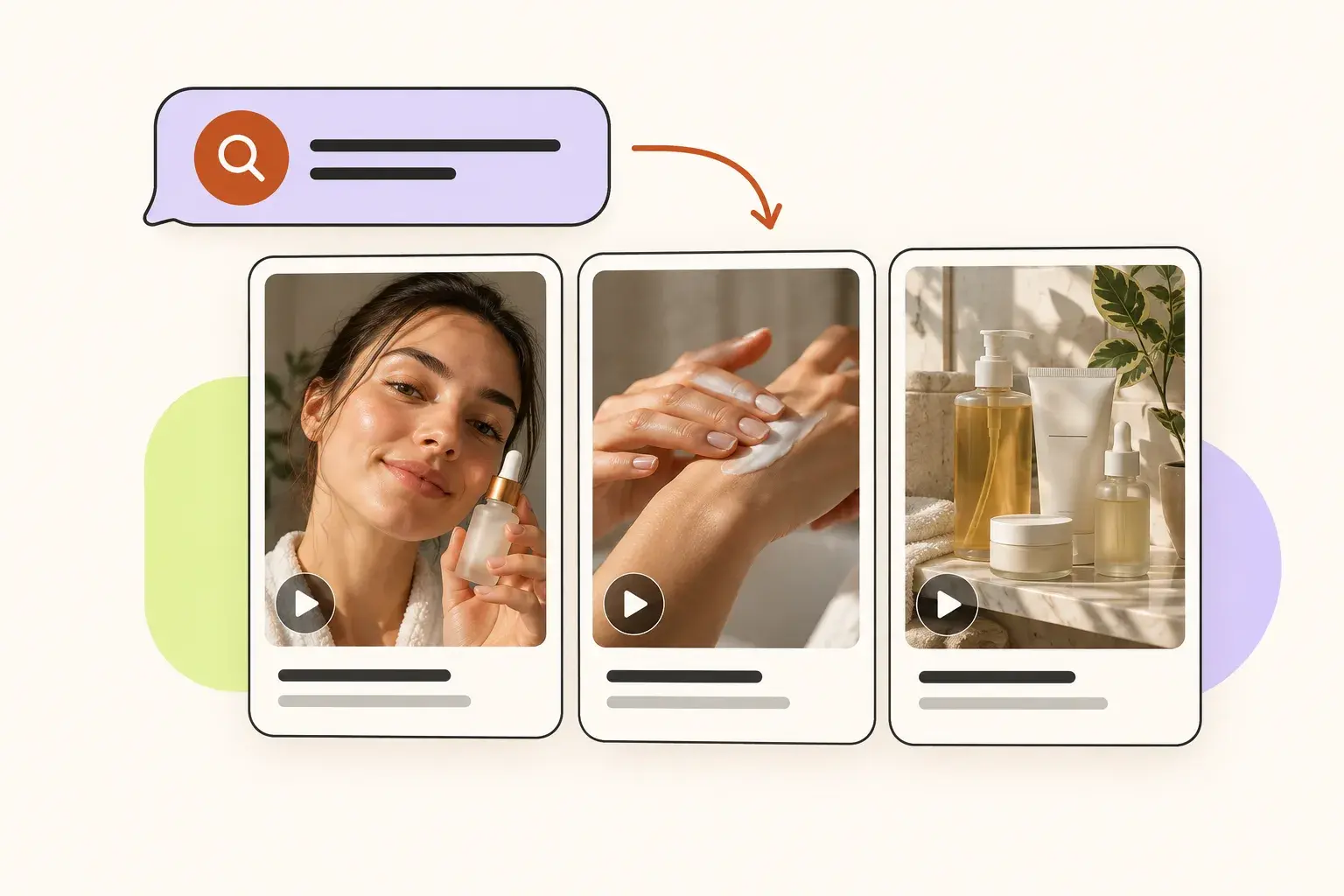
Find Reels by topic
Describe the topic and filters in chat. Optimiro returns matching Reels with views, likes and author details.
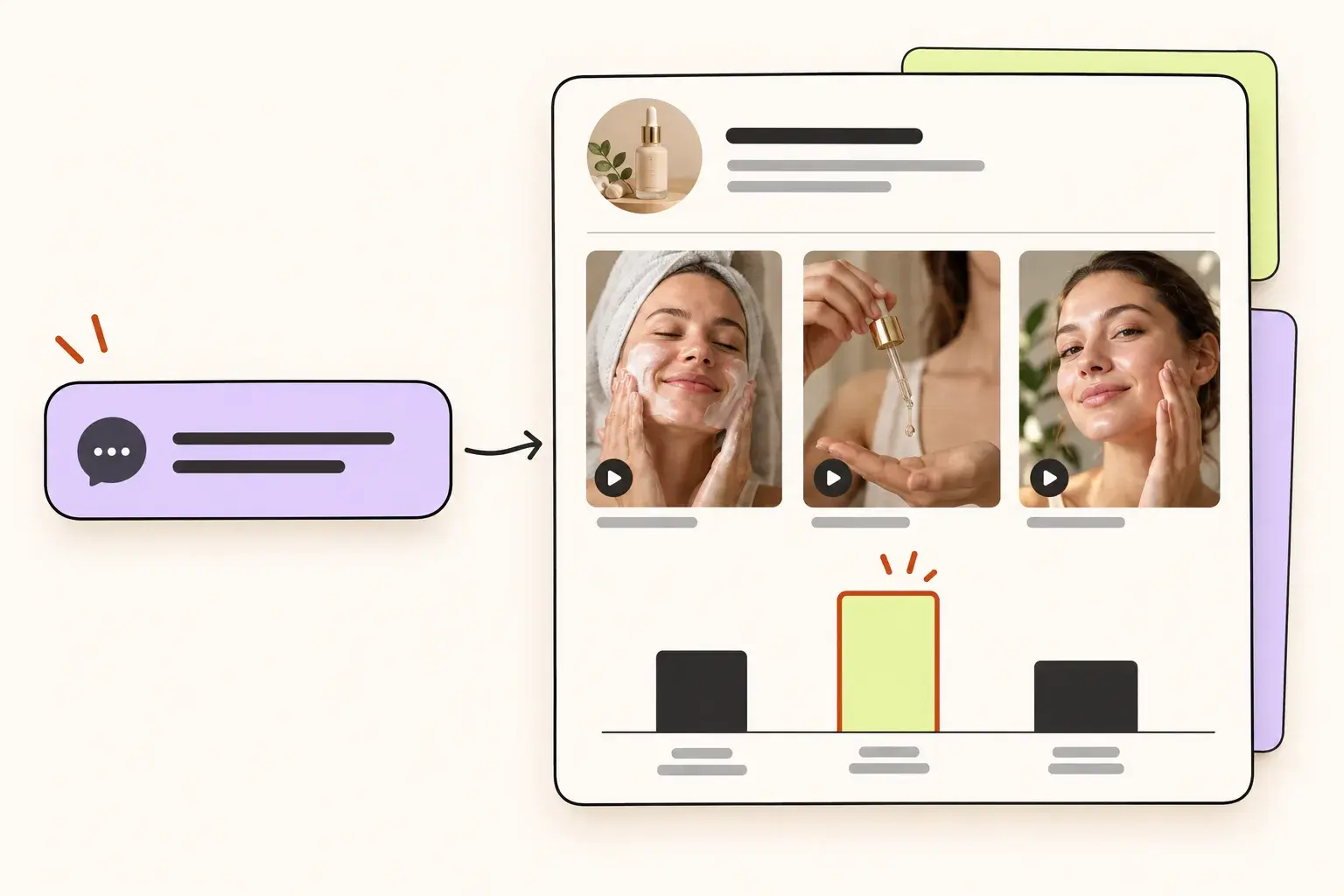
Compare competitor Reels
Ask the assistant to analyse a public account and identify Reels that outperform the author’s usual views.
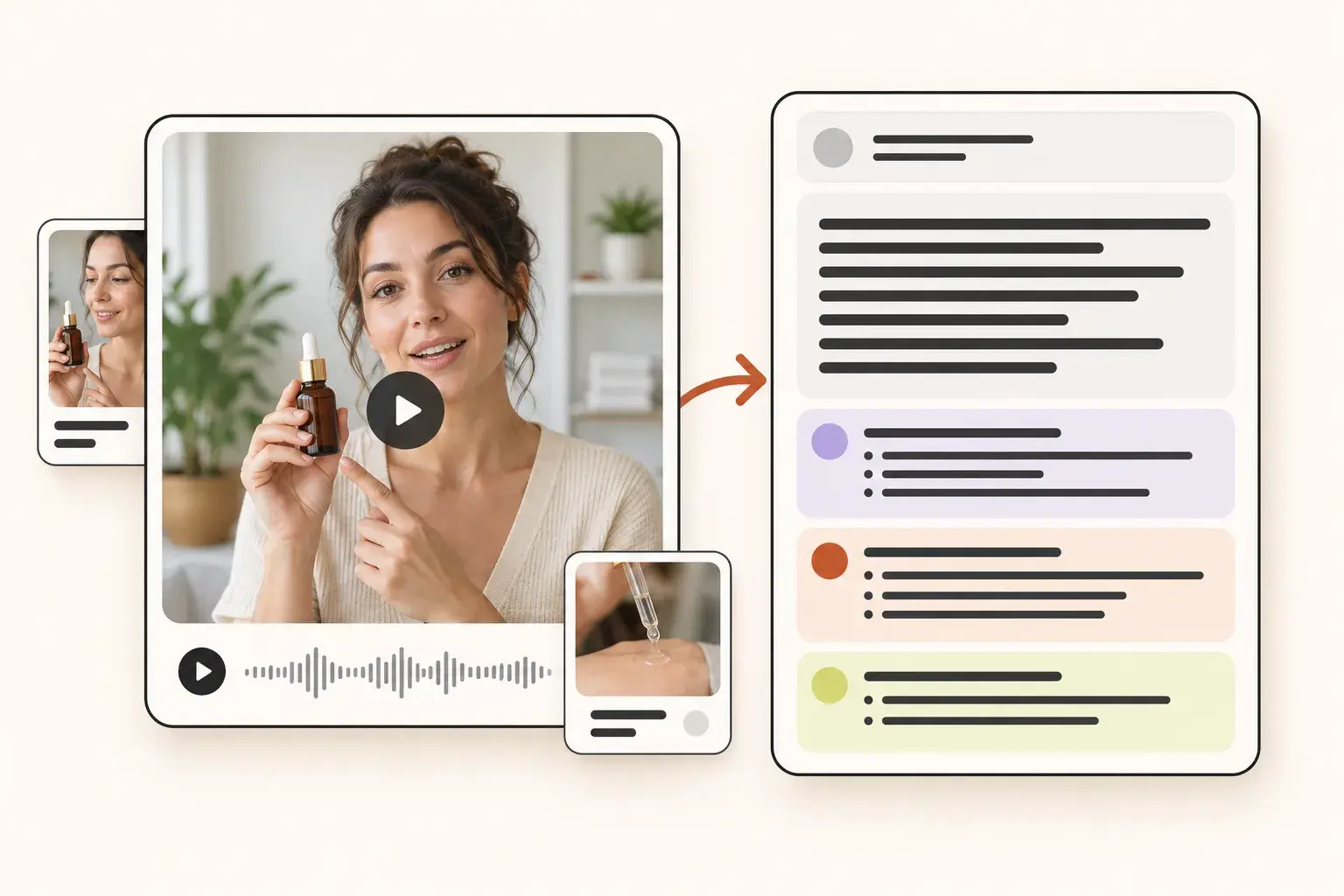
Get the text and structure
Send a Reel link to get its transcript, hook, structure and call to action in the conversation.
1. Get your connector URL
Sign in to Optimiro, open Settings and find AI assistants. Copy the Connector URL shown there. Settings gets the current address directly from the server, so use that address when adding a connection.
2. Add it to your assistant
In an assistant that supports remote MCP connections, add a custom connection and paste your Optimiro Connector URL. Use OAuth authentication if asked. Custom connection availability and setup vary by assistant, plan and workspace settings.
3. Approve the connection in Optimiro
Follow the sign-in flow opened by your assistant. Review the connection on the Optimiro approval screen and approve it to return to your assistant. You can review connected assistants and disconnect them in Settings; revocation takes effect on their next request.
Research and transcribe from the conversation
Ask for Reels by keyword or describe what you want to find. Analyse a public competitor account, compare its Reels, or request a Reel’s spoken transcript, on-screen text, hook, structure and call to action. Your assistant can also read your earlier searches, collected Reels and analysed accounts. Optimiro Score compares views with the author’s median views; it is Optimiro’s metric.
Your existing credits and saved results
Paid research and transcription actions use your Optimiro balance at the same prices as in the app. Reading saved searches, collected Reels, previously analysed accounts and your credit balance is free. Ask your assistant to check your balance and tool prices before starting new research. Reel transcription needs a plan.
Questions about this tool
- Which assistants can I connect?
- The connector is designed for MCP-compatible assistants, including ChatGPT, Claude and Gemini where custom remote MCP connections are available. Your assistant must support the connection and OAuth sign-in; access depends on its plan and settings.
- Do I need to create an API key?
- No. Start from your assistant using the Connector URL in Optimiro Settings, then sign in and approve access on Optimiro’s page.
- Can the assistant publish posts or generate scripts through MCP?
- The current MCP tools cover Reel research, account analysis, transcription and reading saved results. Publishing and Optimiro’s script-generation workflow are not exposed as MCP tools.
- Are all MCP actions free?
- No. Reading saved results and checking your balance is free; new searches, account research and transcription can spend credits. The tool descriptions report the prices, and your Optimiro plan limits still apply.